provider
8K PRO IPTV
Use the provider’s current pricing page and double-check the order total where archived figures differ.
8kpro.tv · Check exact market
Open the official 8K PRO IPTV websiteThe 1 month plan is listed at $9.99 USD. The operator also lists 3 reseller pack sizes.

8kpro.tv
The 1 month plan is listed at $9.99 USD. The operator also lists 3 reseller pack sizes.
The 1 month plan is listed at $9.99 USD. The operator also lists 3 reseller pack sizes.
Use the provider’s current pricing page and double-check the order total where archived figures differ.
8kpro.tv · Check exact market
Open the official 8K PRO IPTV website8K PRO IPTV maintains the site at 8kpro.tv. Check who issues the invoice and who replaces the access if the app or TV changes. The buyer needs both answers before paying for a long term.
Document review · November 19, 2026. Playback performance, service rights and ZIP-level access require separate evidence.
The 1 month plan is listed at $9.99 USD. The operator also lists 3 reseller pack sizes.

8kpro.tv
A person buys a new large television, opens an app and sees a score graphic that looks softer than expected. The home screen says 8K PRO. The television's information banner says 2160p. A friend suggests a new HDMI cable; another suggests replacing the player, buying a higher subscription or increasing the internet speed. All are spending decisions. None identifies the original program, the device decoding it or what the display banner actually measured. Take that chain apart before spending another dollar.
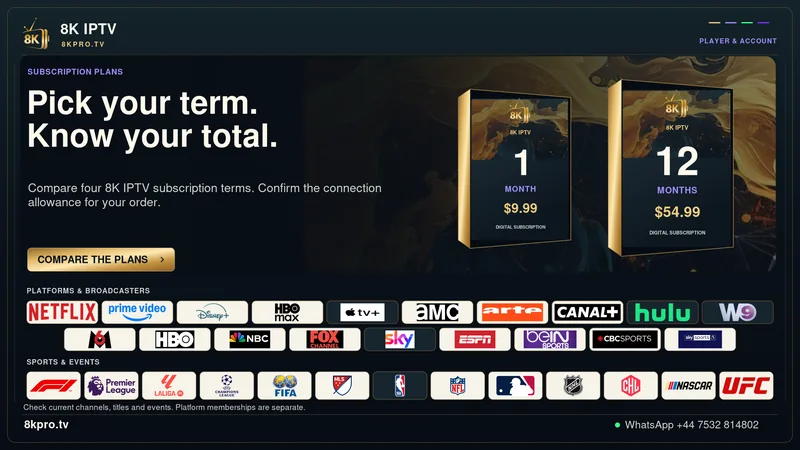
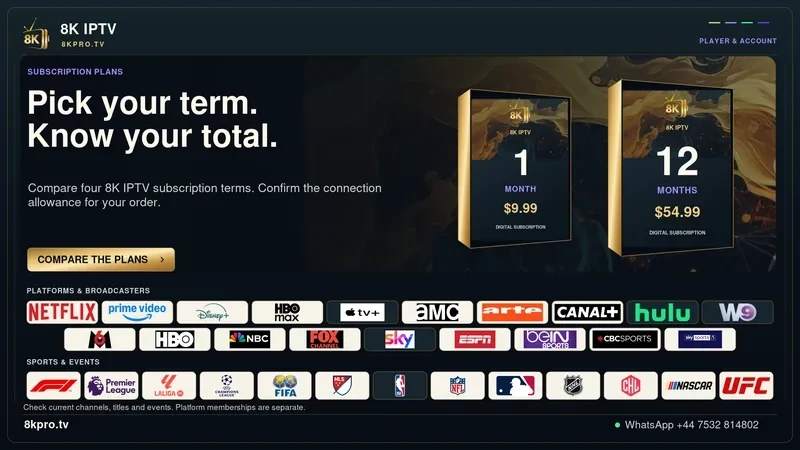
8kpro.tv publishes consumer service terms of $9.99 for one month, $24.99 for three, $39.99 for six and $54.99 for twelve. The amounts describe duration. A longer term does not make a particular broadcast higher resolution. The site also publishes player guidance, including VIP+ and Fast 8K references. An account choice bearing the 8K PRO name can appear inside a supported player. A brand on a menu cannot establish the source format, allowable connections, service rights or picture quality for a given program at a given address.
Begin with the viewer's complaint in useful language. Is the whole menu soft, including the text the player draws itself? Is only one station blurry while another looks sharp? Does motion stutter while still scenes look clean? Is the issue actually an audio delay that makes a live broadcast feel wrong? The answers tell you which comparison to make. A carefully described problem will often save a household from replacing equipment that has little to do with it.
The same reasoning helps a new customer use the one-day trial described by 8kpro.tv. Ask for the player and account method intended for the actual screen, arrange the trial for a normal viewing period and choose a few familiar programs the operator confirms are available. The result will be specific to the tested setup. That is exactly the evidence this household needs before it decides how much time to prepay.
Some homes play the app inside the television. Others use an external box, stick, computer or supported device connected by HDMI. Still others place a soundbar or receiver between the external player and the display. Write down the actual route from the account to the screen. For a native television app there may be no external HDMI video link to investigate. For a set-top box plugged into a receiver there may be two links and several device settings involved before a picture ever reaches the TV.
| Part of the route | What to record | What that observation can establish |
|---|---|---|
| Named broadcast or on-demand item | Station, edition, title, language and local time | Which program actually showed the symptom |
| Player | Exact app, version and account method | Which software decoded and displayed the item |
| Source device | Model, operating system and active output setting | Which hardware produced the signal leaving that device |
| Intermediate equipment | Receiver or soundbar model and connected input | Whether an additional device sits in the video or audio route |
| Display | Actual input, picture mode, viewing distance and visible information banner | How the television received and presented the selected input |
The phrase “my television is 4K” can be true at several levels while explaining little about the source. The panel has a physical pixel count. The external device might output a fixed signal format for its entire interface. The individual program can originate at a different resolution. The display can scale what it receives to its panel. Without source evidence, a TV input banner can tell you something about the negotiated input while leaving the original program format unknown.
Look for a comparison the family already owns. The player's own menu provides one point of reference. Another lawful service on the same device can show whether the whole input appears soft. A known local test file or disc the household is entitled to use can sometimes isolate external hardware, if it travels through the same path. Keep settings and seat constant. Comparing an afternoon news feed in one picture mode with a theatrical demonstration on another input changes nearly everything at once.
8kpro.tv's 8K Pro Player guide says the 8K PRO account selection appears in a supported VIP+ or Prime player and distinguishes that choice from a separate installer under the same name. That detail can prevent a customer from spending an evening looking for the wrong app-store entry. Ask the issuer which player and which visible account option belong to the order. Take down the exact names. A remembered word from a gold logo is not an adequate identification for a technical support case.
The site also discusses Fast 8K. Treat each named player as a specific piece of software with its own supported hardware, version and controls. A set that can open one supported app may not present the same settings in another. A phone-oriented edition may differ from a television edition. If support suggests switching apps for a comparison, ask whether the account can be used in both, how to close any previous session and whether a separate app licence would be required.
A screen saying “VPN,” “PRO” or another account label needs interpretation from the issuing operator. The presence of such wording in a menu does not establish a dedicated privacy service or a different content entitlement. Read the relevant operator guide and ask what the label means for your account. Test only the options the seller identifies as appropriate. Guessing at account selections adds a login problem to a picture problem and makes the eventual support report harder to understand.
Keep two records when a player was purchased separately. The app-store receipt identifies its publisher and licence conditions. The 8kpro.tv service receipt identifies the term and issuing seller. If the player no longer opens after an operating-system update, the app publisher may control a fix. If the correct player opens but a recently renewed account still shows expired, the service issuer needs the purchase reference. One photograph of the television's home page establishes neither receipt.
Ask the operator about the particular feed. Name the program or station, source language, intended region and time. If the seller can identify the format of that specific feed, note the answer and any conditions. If the player exposes a playback-information panel, record only what its fields actually describe. A device output setting, a video track's declared size and a television's diagnostic banner can show three different pieces of information. Do not rewrite them all as “confirmed native resolution.”
A clean comparison starts with the same material. Live broadcasts make this difficult because consecutive shots can differ in lighting, camera position and source processing. Choose an interval that illustrates the symptom and, where permitted, compare an authorized replay of the same sequence. If the alternatives are a studio close-up and a wide stadium shot, remember that the source images themselves have different detail. A difference visible between them does not establish a change in the subscription.
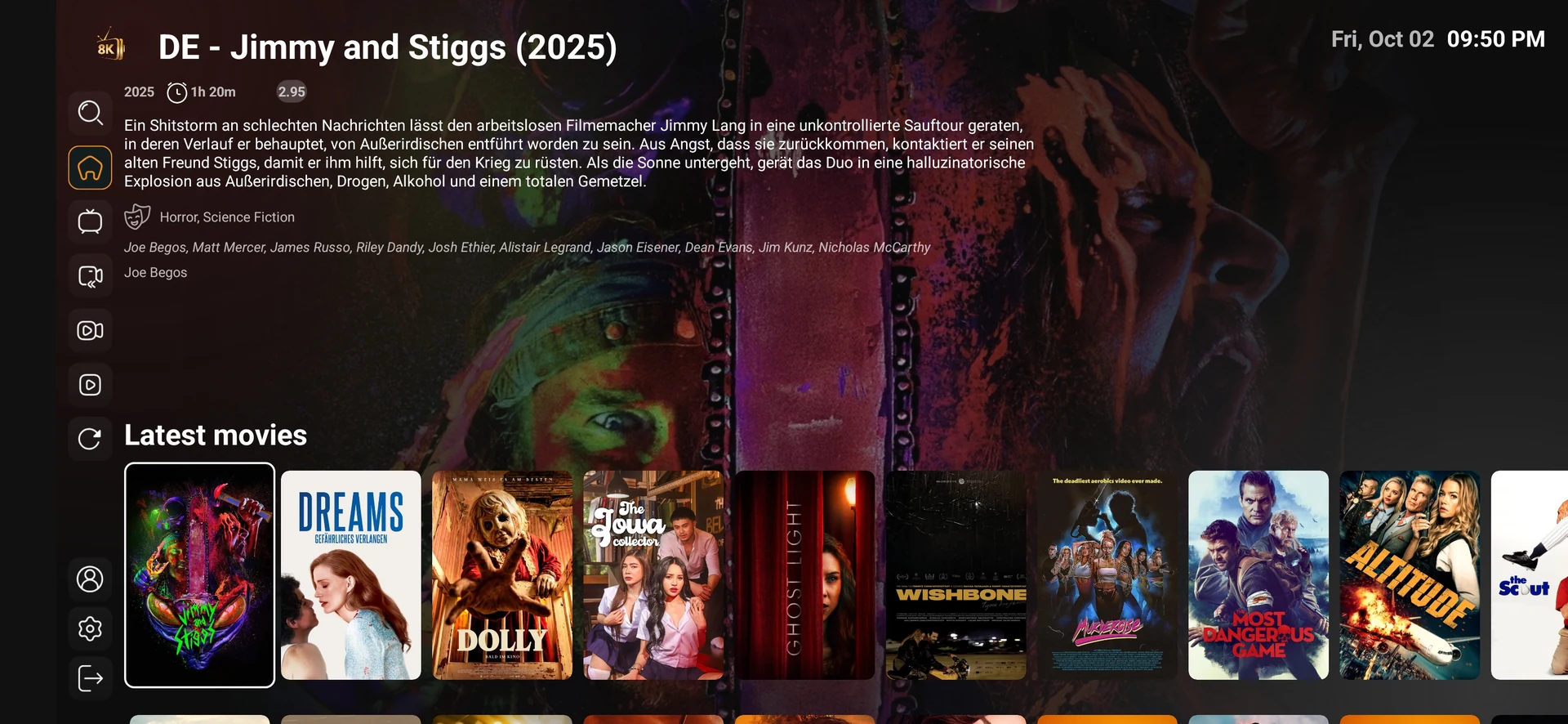
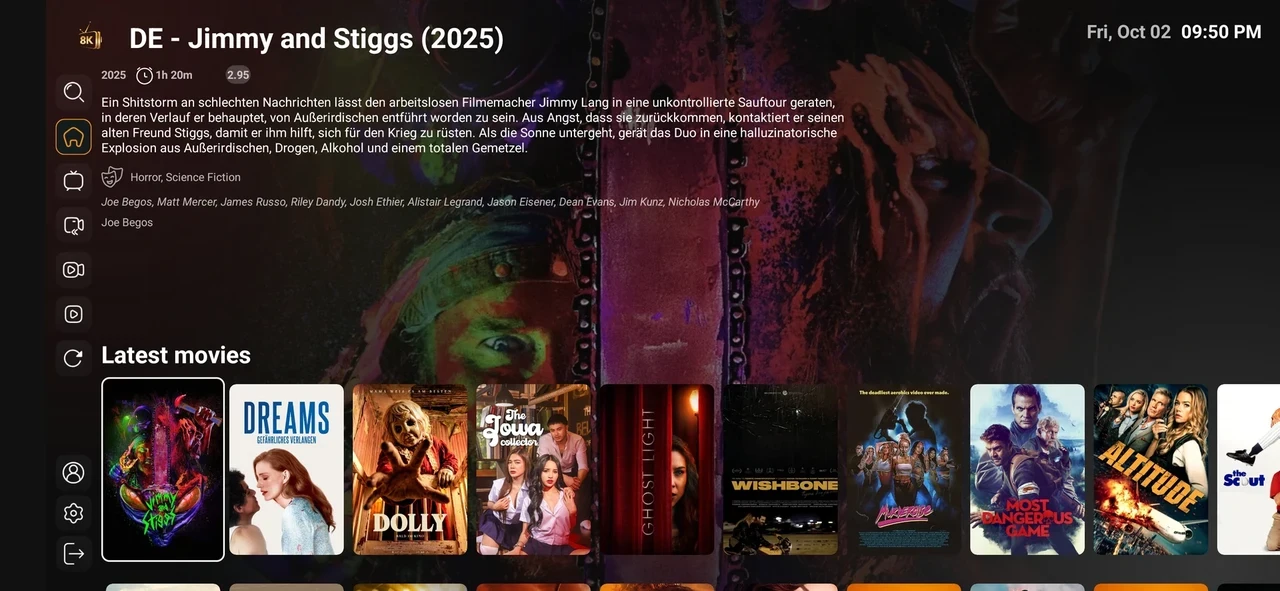
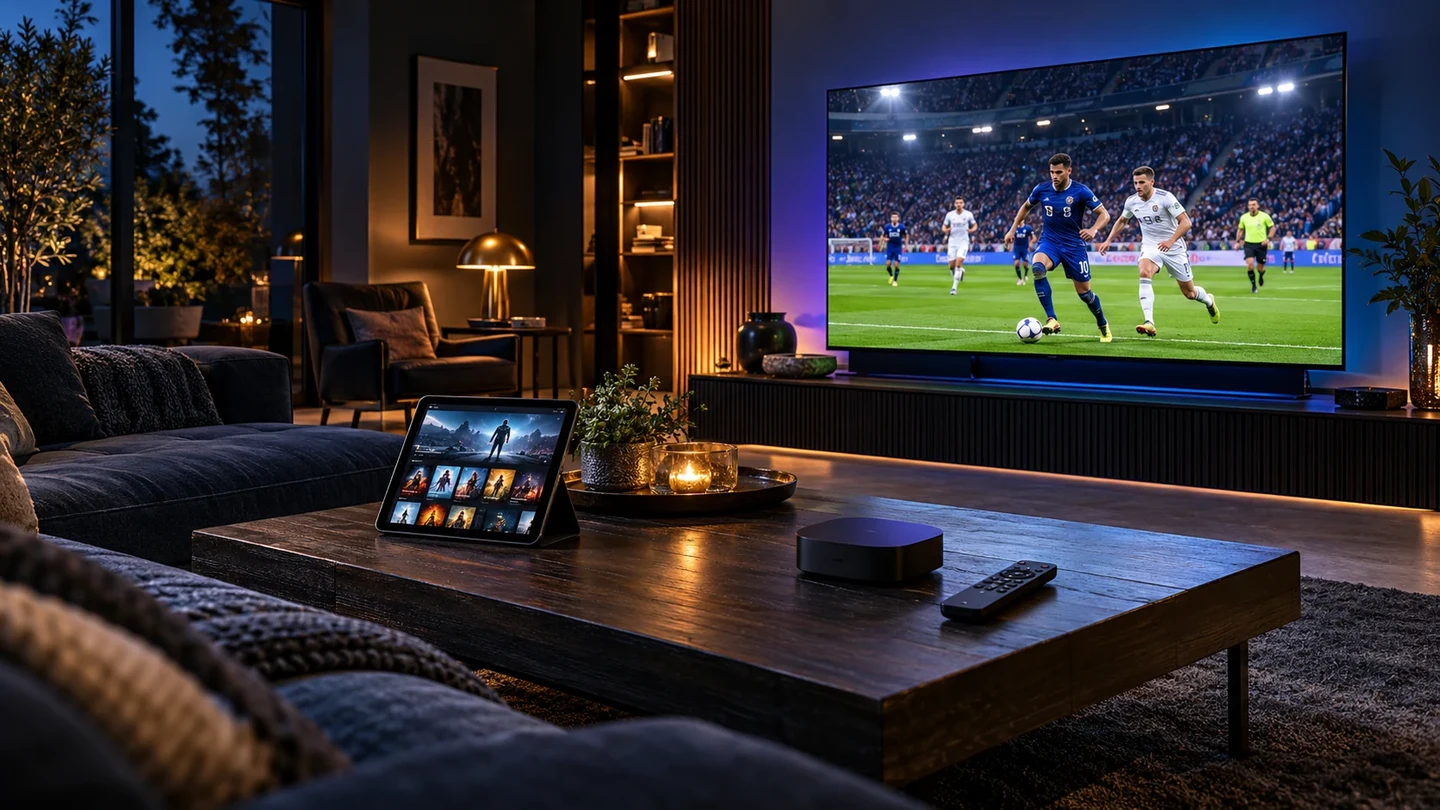
A television can make soft pictures more conspicuous simply by being larger at the same seating distance. Move back to the actual viewing position before drawing conclusions. Check small text, faces in motion and static graphics at ordinary brightness. Avoid using the device's own full-screen promotional image as proof about a live station. Promotional art is designed and delivered separately from the program the family wants to watch. The title “8K PRO” can identify the service being assessed and still tell you nothing conclusive about one camera feed.
When source information is unavailable, say what is visible. “Studio captions are clear on this station, but the score line on the other feed is hard to read from the sofa” gives the operator a useful comparison. “Your server is sending the wrong resolution” is a diagnosis that may be unsupported by the observation. A buyer does not need to win an engineering argument. They need to know whether the approved service and hardware configuration produces a satisfactory picture for the viewing they are paying for.
A source with smooth still scenes can look unpleasant during a sideways camera pan. Write down whether the picture pauses completely, skips at regular intervals, develops visible block patterns or simply has the motion style the recording used. Those descriptions suggest different tests. Check another permitted program through the same player and device. Then compare a known working source using the same output path. A single troublesome station and multiple applications misbehaving on the same input should not receive identical diagnoses.
Some external devices can match output frame rate or dynamic range to the content on supported displays. Apple documents these features for compatible Apple TV equipment. A change in format can involve a brief interruption while equipment switches modes. That observation belongs to the device and its configuration. It should not be assumed to explain every black screen or to apply to every television and player. Note what happened immediately beforehand. Did the screen go dark only at program start, on every channel change, or in the middle of uninterrupted playback?
Before changing a display setting, record the existing value. Change one reversible option through the device's documented menus and repeat the original permitted program. If multiple people share the set, let them know when an input's picture mode has been changed. A television may remember different modes for different inputs or source formats. Without a note, a helpful change for one box can become the next viewer's unexplained picture complaint.
Source availability is a separate question. If the player displays a clear unavailable message for one item while other sources play normally, changing a frame-rate setting or replacing a cable is unlikely to make the missing source available. Ask the operator about the identified feed. If the entire device loses its output while its home menu is also invisible, begin with the external device, selected input and connection path. The right question is the one that follows the symptom to the first part that failed.
8kpro.tv has a public guide to comparing decoder settings. Some supported players expose a choice while others do not. If the player does offer a supported setting, use a sample that reliably shows the problem. Record the current configuration and the exact program. Change one available option, replay the same authorized sequence where possible and return the setting to its original value if it does not help. A missing setting is not a reason to install an unrelated player solely to follow someone else's screenshot.
Observe more than the first frame. Can the player start normally, remain stable, keep audio in sync and return to the guide? An alternative setting that clears one brief stutter but causes voices to drift later may not improve the family experience. Some differences become visible only after an ordinary viewing interval. Others disappear as soon as the caller tries a different program. Record both the benefit and the side effect. The useful answer for a living room is the setting that works across its actual routine.
A result on one device should not automatically be copied to another. A television's native app and an external box can use different processing paths. A room with a direct HDMI input may behave differently from a system that routes through an older receiver. If the second screen works well, keep it as a useful control. Changing every device in the home to match the one with a problem destroys the comparison you had at the start.
For support, write the result in one sentence anyone can understand. For example, a permitted program on a specified device started normally on the original setting, showed repeated audio drift after ten minutes, and the alternate supported setting did or did not change that behavior. Keep account details private. The vendor may ask for additional tests suited to the issued player. A list of observations lets the seller recognize a software issue without having to reverse-engineer a household's improvised sequence of changes.
An external player may plug into a soundbar or receiver before the video reaches the television. In that setup, support for a particular signal format can depend on the devices and inputs along the route. Sony's receiver guidance describes checking compatibility and settings when a 4K signal fails to reach the display through an intermediary. Use the manuals for the exact equipment in the home. A general manufacturer article can explain the question while the model-specific documentation settles which ports and options actually exist.
Start with the simplest comparison the equipment supports. If the family is comfortable doing so, compare the external player's direct connection to the television with its usual path through the intermediary, following manufacturer instructions. Keep the same source and output settings where possible. If the direct picture appears while the receiver route does not, that narrows the enquiry to the intervening path. It does not identify a defective component by itself. The selected input, format support and setting can all matter.
Do not buy an expensive cable on the strength of a brand mismatch alone. First check whether the current link already carries the desired format for another properly identified source under the same conditions. Check which port the cable uses and whether the device owner has configured that port for the intended signal. A different cable may eventually be justified, but an unnecessary purchase cannot solve a program that is unavailable in the account or an app that rejects the customer's login.
Native television apps change the picture. They process video within the television itself, although sound may be routed to a sound system. A problem that appears only in the native app has no external player-to-TV HDMI video cable to replace. The relevant external connection might carry audio instead. Draw the actual path again before following troubleshooting written for a separate box. When describing the setup to 8kpro.tv or a device manufacturer, a simple list of components in order is often enough to prevent the wrong advice.
An audio complaint deserves its own description. Does the voice arrive consistently after the lips move? Is dialogue too quiet compared with music? Is the selected track commentary for another region? Does the problem appear on all apps or only on one program? 8kpro.tv publishes a guide to audio track and format comparisons. The first useful step is to identify the program, player, output device and the particular effect the viewer hears.
Try the television's own speakers if that is a supported, practical temporary comparison. Then try the household's normal soundbar or receiver on the same program. A constant delay only on the external audio path points to a different enquiry from an incorrect language track on one source. If a model offers a documented synchronization setting, record its initial value and adjust only through its ordinary controls. A global correction that improves one program but pushes every other app out of sync may be masking the wrong problem.
Track selection may be controlled by the player rather than the television. Choose the required track on an identified program, listen to the result, change away and return. Does the language remain the one the viewer selected? Is the track itself mislabeled or is the player resetting a preference? A support report listing both the on-screen language name and what was actually heard can explain the difference. The presence of multiple track names does not establish that every track is available or appropriate for every program.
Test captions with the person who uses them. Check size from the normal seat, contrast against an ordinary program and whether they survive a return from the guide. If the viewer depends on caption timing or a particular language, that condition can matter far more than a headline resolution. Include it in the trial record and in any enquiry to the operator. A household may make a sensible purchase based on clear dialogue and reliable captions even if the source never carries the highest format the television is capable of showing.
Arrange the one-day trial after identifying the supported player for the device. Ask whether the issued test account uses the same relevant account method and configuration as the intended paid term. Choose two familiar programs with different kinds of material if the seller confirms their availability. A studio bulletin can reveal text and speech issues. A sports program can expose how the setup handles motion and rapidly changing scenes. A film the household knows can reveal whether dark detail, dialogue and captions are comfortable from the sofa.
Take a short baseline first. Note the selected input, app, picture mode, audio path and where everyone normally sits. Do not begin by turning every enhancement to its maximum or changing settings in three different menus. If the family likes its existing setup for other services, preserve a record of how to get back. That existing configuration is a meaningful starting point for comparing what the trial brings to the same television.
Try the programs at an ordinary viewing time. If trouble appears, record the local time and one comparable source. Did another station within the app work? Did another established application on the same box work? Did the television's menus stay responsive while playback froze? This allows the provider to understand whether the reported issue looks like a single program, app behavior or a broader device or network issue. It does not require the customer to claim a technical cause they cannot demonstrate.
At the end of the trial, ask each regular viewer what they could and could not do. One may care about readable score text. Another may care that dialogue is intelligible without changing the volume between every scene. Write the results down separately. A good trial has a specific conclusion, perhaps that the main screen and soundbar worked well for the chosen program but the second screen's allowance is unconfirmed. That gives the purchaser a reason to buy, wait or ask one more targeted question.
| 8K PRO term | Published USD total | Effective monthly amount, rounded | Extra service cash over the shortest choice |
|---|---|---|---|
| One month | $9.99 | $9.99 | $0.00 |
| Three months | $24.99 | $8.33 | $15.00 |
| Six months | $39.99 | $6.67 | $30.00 |
| Twelve months | $54.99 | $4.58 | $45.00 |
The right term is a question of commitment, separate from the picture-format question. Choosing twelve months places $45 more service cash at risk now than an initial month. It also gives eleven more months at the listed terms. A household using the tested player on a stable setup may value that extra time. A buyer who still needs to decide whether the old receiver and new television work together may prefer to resolve the equipment question before paying for the year.
Calculate the equipment decision on its own line. For example, write the actual confirmed price of a supported external player only if one is needed, the app licence if there is one, and any optional installation help. Do not force those costs into the service's monthly equivalent. A physical box may last beyond the first term. An app licence could have its own renewal policy. A replacement receiver might serve a whole home theater regardless of which viewing subscription is chosen.
A buyer considering two quarters should also look at the six-month offer. At the published figures two quarters cost $49.98 if purchased at unchanged rates, while six months is $39.99. That $9.99 difference is exactly the published single-month amount. The flexibility to stop after a quarter may be worth it if the buyer is about to change equipment or viewing address. If the two quarters are certain and no other conditions differ, the six-month row is the clearer budget choice.
Save the term actually accepted at checkout and its activation date. On renewal, check that the operator extended the intended account and that any separately licensed app remains active. A new app version, a changed account selection and an expired player licence can create symptoms resembling a failed service renewal. The receipts and observed expiry help the purchaser ask the right party for help. A television icon alone cannot establish whether the service or the software needs attention.
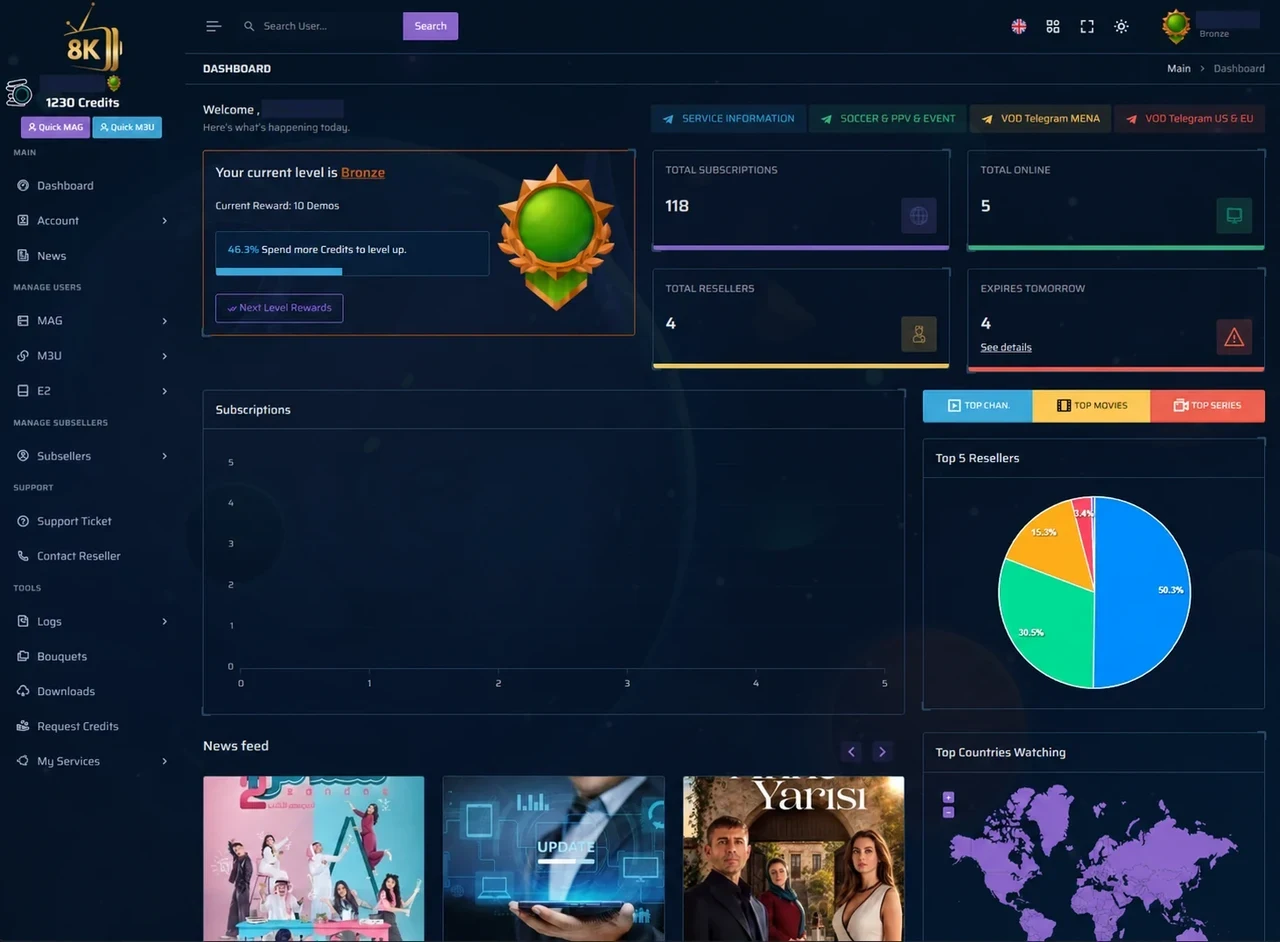
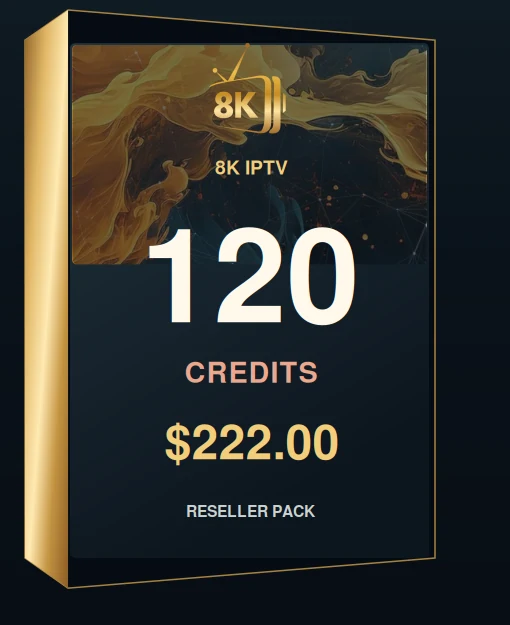
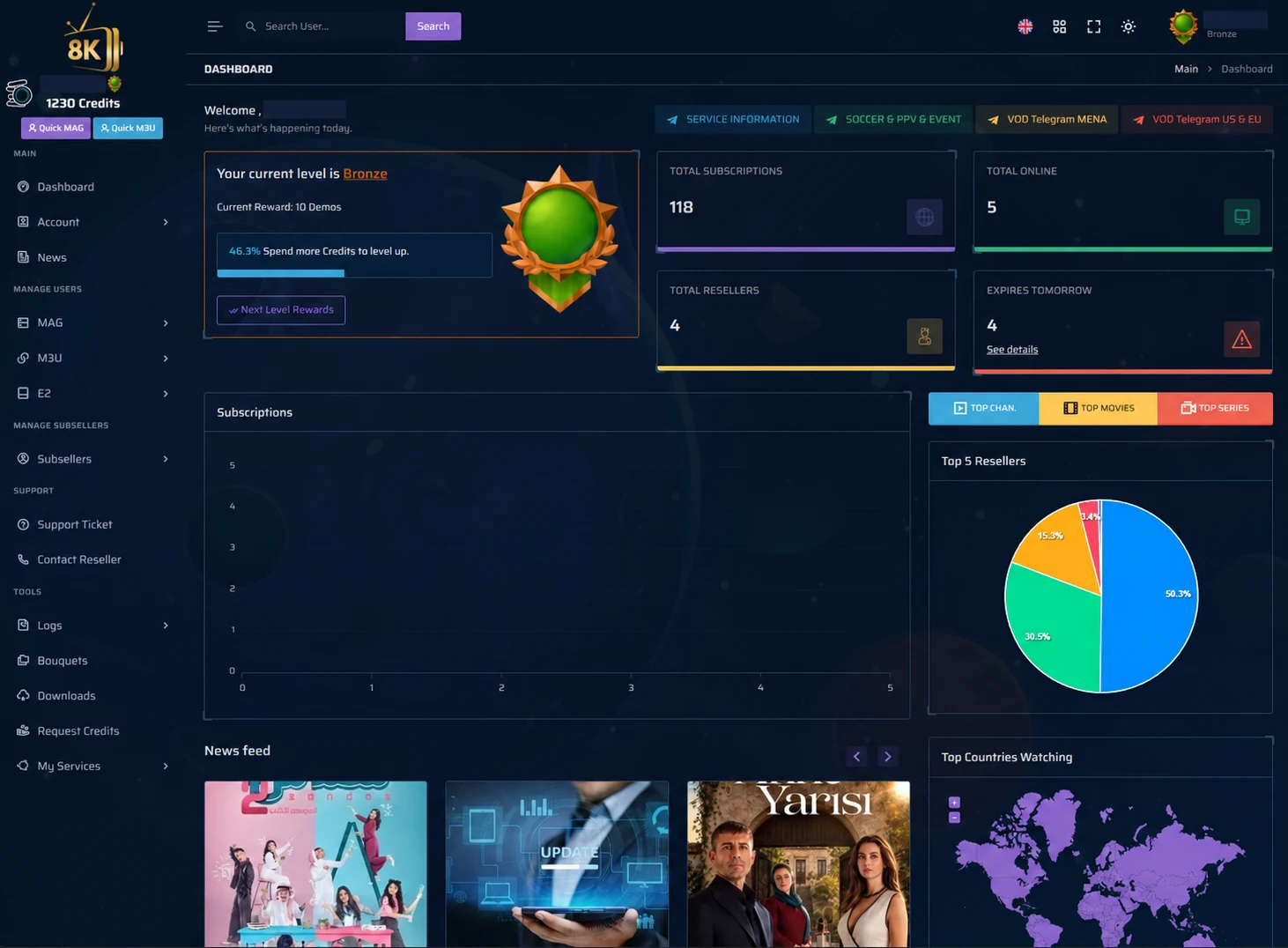
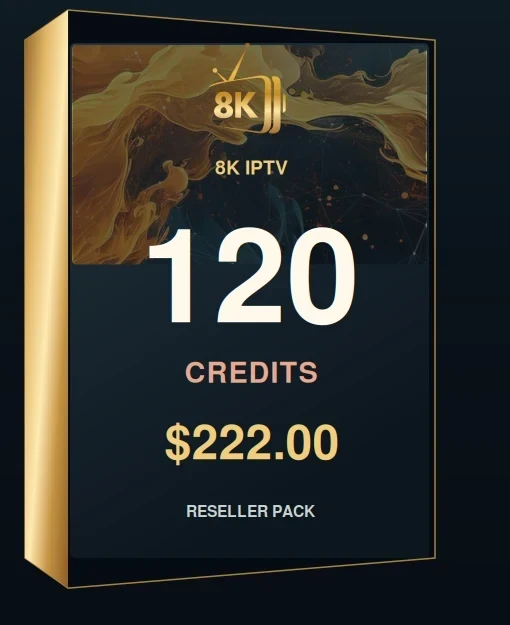
8kpro.tv publishes packs of 120 credits for $222, 240 for $429.60 and 1,200 for $2,028. Its standard deduction model uses one credit per customer-month. A reseller working with demanding home-theater users should consider what the inventory figure leaves out. A year consumes twelve standard credits. At the respective pack rates that allocates $22.20, $21.48 or $20.28 of stock. None of those figures pays for an hour spent tracing a customer's soundbar connection across an installation.
Suppose four customers each want an annual line and two want a quarter. The required stock is 48 plus 6, or 54 credits. The smallest pack covers those orders and leaves 66 credits. At $1.85 each the issued stock allocates to $99.90, with $122.10 of the original $222 still represented by unused balance. The customers' different home-theater setups might require very different service time even though the credit deductions for equivalent terms are identical.
Quote the reseller's own work separately. A paid visit to identify a receiver input, a free introductory app setup and operator support for an account issue are different services. Name who provides each, what is included and what requires another approval. A retailer can promise to document the account and help the customer identify the player without promising to repair every receiver model. Ask the operator where its service responsibility ends before advertising a technical commitment beyond the panel's actual scope.
Use real observations when escalating. Provide the customer reference privately, player model, program, device route, time, symptom and results of a simple comparison. Leave unrelated payment details and private logins out of screenshots. A shop that keeps good technical notes can reduce repeat visits, give a better answer to the operator and help the next member of staff pick up the case. A bigger credit pack is an inventory decision. It does not buy the retailer an understanding of the customer's living room.
A buyer might tell support that every logo in the player looks striking but the film itself looks flat. A menu graphic and a film frame are quite different things to compare. The menu may use bold colors, white text and clean edges intended to be visible on almost any television. The scene may be deliberately dim, may arrive in a different format or may be processed differently by the device. Choose a particular scene and describe what is lost. Can the viewer distinguish objects in shadow? Do bright areas lose detail? Does the same problem occur on another known program?
Check the room before altering the picture. A daytime trial with sun on the screen may make dark detail difficult to see even if the household normally watches that program at night. Conversely, a setting people enjoy in a bright showroom may be uncomfortable in a dim living room. Record the window light, viewing position and current mode. A repeat test after sunset can resolve a question much more cheaply than purchasing a second box on the assumption that the first device cannot handle the picture.
A television may display an HDR label when it receives a particular output mode. The label answers a question about that part of the signal path. It does not certify a particular source master or establish the visual quality of the actual program. Some external devices can be configured to match the content's dynamic range; supported configurations and menu names vary. Consult the device manufacturer's guidance for that precise model. Change one setting at a time and keep the original configuration available for other household uses.
Take care when the household wants an answer about a seller's feed rather than a calibration recommendation. A support enquiry can name the program and ask whether the seller identifies that source as standard or high dynamic range. It can also say what the device output showed, what the television indicated and what the picture looked like. Present these as separate facts. If source information is unavailable, the viewer still has the evidence of the trial to decide whether the scene is acceptable. There is no need to invent a technical format to justify their own preference.
Now suppose a different permitted movie looks good through exactly the same app, hardware and television mode. That result leaves room for a difference in program production or in the particular feed. It makes a wholesale change to system settings less persuasive. If all dark scenes in all applications look crushed on a single input while another input looks normal, the device or input configuration deserves closer inspection. The value of the comparison is in the pattern across observations. A single impressive poster proves very little about either scenario.
Some households approach 8kpro.tv at the same time as they consider replacing a screen. That creates two decisions that are easy to fuse into one expensive evening. Write down the fault or limitation that would justify a new television regardless of the subscription. A physically damaged panel, unsuitable size or inaccessible controls can be a valid reason for replacement. A single soft program on one unverified feed gives much weaker grounds. Check how other familiar material looks on the existing set before assigning the whole problem to its panel.
Then list the device capabilities needed for the paid service. Does the household require a native app on the television, or already own an external player that does the job? Do captions need to be adjustable from the regular remote? Is there a receiver through which the household wants the source to pass, and can the proposed equipment support the intended input format? A buyer who already owns a reliable external box may care more about screen size, seating distance and ordinary input control than about an unfamiliar app-store badge.
Ask the television seller questions about the television and the subscription operator questions about the account. A retailer can identify the ports, supplied remote and system on a specific model. The operator can explain the supported player and eligible account choices on that model and viewing address. Neither party can reasonably guarantee every program from the other simply because its promotional material shows a television and a film. Bring the two answers together before deciding whether the complete arrangement is worth its price.
Set a stopping point on optional spending. Suppose the trial was good enough on the current set, the viewer could read the guide and the desired program was available at the intended hour. In that case a new screen belongs to the household's wider entertainment budget, not to the cost of making this subscription functional. Equally, if the chosen room cannot support the regular viewer's required setup without substantial equipment changes, the smallest service term may be the sensible trial commitment while the household considers its options.
A buyer comparing the annual $54.99 total with an equipment purchase should keep that scale visible. Adding a new device solely to test an unresolved source question can cost more than the entire yearly service. A supported temporary comparison using an existing box, the television's own speakers or a known source could answer the deciding question first. If the test establishes a genuine hardware limitation, the buyer can then price the appropriate component with a clear expectation of what it will and will not change in the viewing chain.
| Check | Enter the answer observed in this household |
|---|---|
| Program, station, edition and local viewing time | |
| Exact 8kpro.tv account selection, player and version | |
| Source device, intermediary and TV input | |
| Sound output and caption or track requirements | |
| Original picture setting and one reversible change tested | |
| Comparison source and result | |
| Unresolved source format, availability or screen allowance | |
| Term, amount due and separately purchased items | |
| Viewer and purchaser review, date |
When the test is done, return any unsuccessful changes to their original settings. Leave the regular viewer a short note identifying the right input, player and normal route to the guide. Save the household's more detailed record privately with the purchase. If a later update changes what the viewer sees, the record lets someone establish what used to work instead of trying every setting again from scratch.
Choose the term around the actual result. A family whose own program looks acceptable, whose captions work and whose remote path is simple may have every reason to continue. A family expecting native 8K from every feed needs a specific source commitment that the brand name does not provide. The honest decision may be to ask for a different confirmed program or postpone the purchase. Either way, a clear account of the picture and the equipment will do more for the buyer than another badge on a box.
If a sales discussion ends with a claim about the maximum picture format, give it a place of its own on the test card. Record who made the statement, which exact source or account it referred to and what equipment they assumed. Ask whether the statement describes a specific native program format, a supported output format on the player or simply the largest display the product can work with. Those three claims have different consequences for a household considering a new purchase.
Keep the answer alongside the visual observation, even if they disagree. A claimed output mode may be present while a viewer still dislikes how sports motion looks. A lower source format may give the family a perfectly enjoyable evening on the screen it already owns. The buyer does not need a format claim to overrule the people who sit in the room. The purpose of writing it down is to make future comparisons fair. When the family evaluates a different service or device, it can ask the same precise question and replay an equivalent permitted program before spending again.
Suppose you expect to watch for six months. At the listed single-month amount, six separate purchases would total $59.94 USD. The six-month offer asks for $39.99 USD up front. That comparison assumes every new month is available at the listed amount. Check renewal separately before relying on it.
| Viewing period | Separate monthly purchases | Single matching term | Difference | Monthly purchases to reach term price |
|---|---|---|---|---|
| 3 months | $29.97 USD | $24.99 USD | $4.98 USD | 3 |
| 6 months | $59.94 USD | $39.99 USD | $19.95 USD | 5 |
| 12 months | $119.88 USD | $54.99 USD | $64.89 USD | 6 |
Read the final column as a spending threshold. If you expect to cancel sooner, compare the shorter commitment with the cash you would have paid up front. The figures exclude fees the seller has not confirmed.
Check 8K PRO IPTV subscription termsThe smallest priced pack in this register holds 120 credits and costs $222.00 USD. The largest holds 1200 for $2,028.00 USD. Their displayed unit costs are $1.85 and $1.69 respectively. The published deduction for a standard twelve-month customer is 12 credits. Check the operator’s treatment of additional screens and renewals.
The image link identifies the exact file served by the provider.
Choose a matchup to see the actual currency, term and outcome.
Open the caption on a website-sourced image to see its original. The remaining captions identify material supplied with the provider archive.