provider
Trex IPTV
Use the OTT pricing and reseller routes to distinguish personal terms from customer-month credits.
trexiptv.app · Check exact market
Open the official Trex IPTV websiteThe 1 month plan is listed at $9.99 USD. The operator also lists 4 reseller pack sizes.

trexiptv.app
The 1 month plan is listed at $9.99 USD. The operator also lists 4 reseller pack sizes.
The 1 month plan is listed at $9.99 USD. The operator also lists 4 reseller pack sizes.
Use the OTT pricing and reseller routes to distinguish personal terms from customer-month credits.
trexiptv.app · Check exact market
Open the official Trex IPTV websiteTrex IPTV maintains the site at trexiptv.app. Check who issues the invoice and who replaces the access if the app or TV changes. The buyer needs both answers before paying for a long term.
Document review · November 19, 2026. Playback performance, service rights and ZIP-level access require separate evidence.
The 1 month plan is listed at $9.99 USD. The operator also lists 4 reseller pack sizes.



trexiptv.app
A customer says they have a Samsung television. The photograph they send shows a Fire TV remote on the table and an Apple TV box under the screen. Which Trex setup guide should they open? There are potentially three answers, all in the same room. The brand printed on the television identifies the display. The device on which the viewer intends to run the player identifies the installation and account route. Getting that distinction right can save a household from buying equipment or software it already owns.
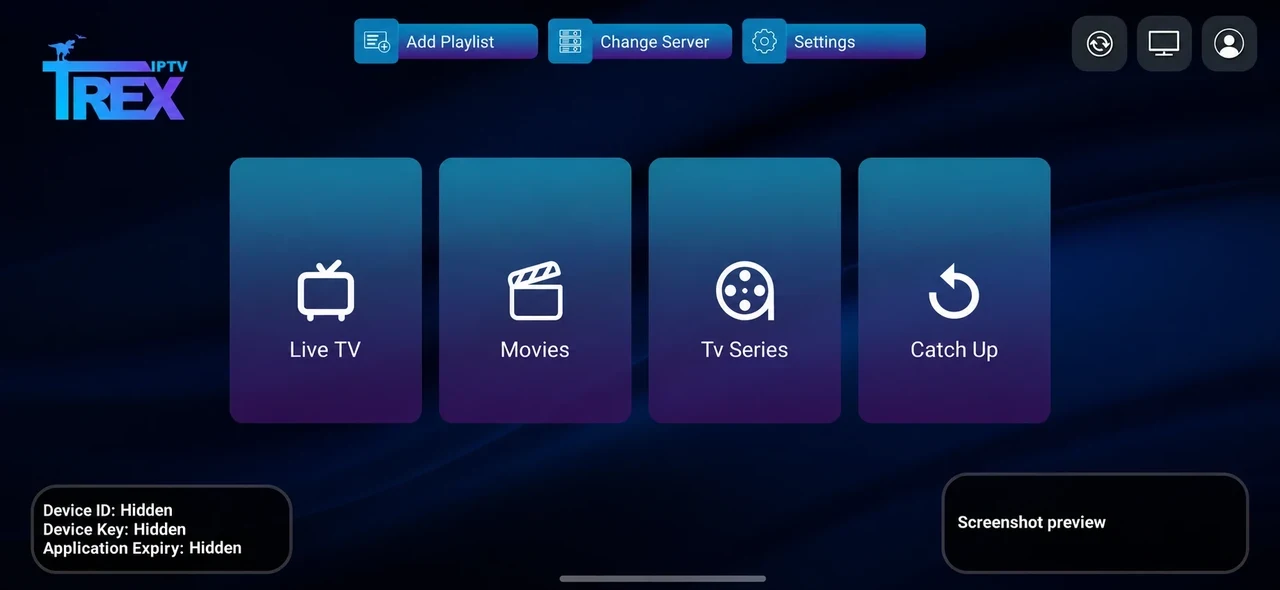
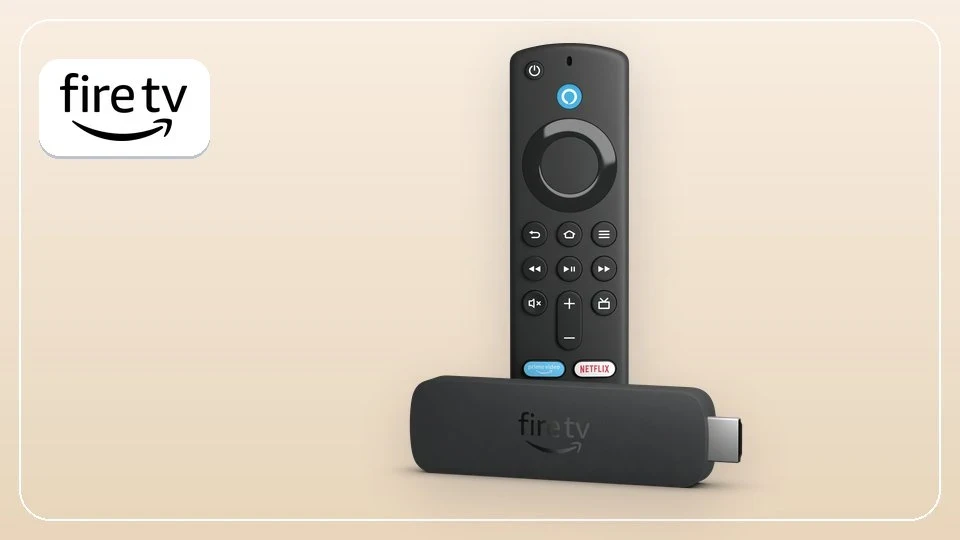
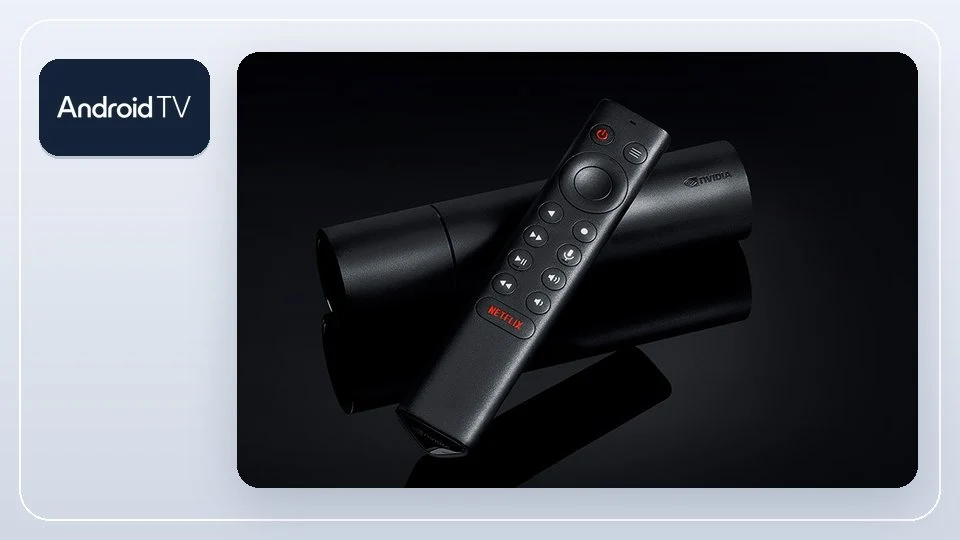
Trex publishes separate setup material for Fire TV, Android TV, Samsung Tizen, LG webOS, Apple devices, Windows and MAG boxes. Its app pages also describe distinct Trex applications and different ways in which a player can accept an account. A guide for a product family is a starting point for a conversation about a particular model and player. It does not guarantee that every model year in every market can install the same app. Send the model, operating system and intended app to the seller before relying on a general compatibility label.
The four consumer terms in this store are in USD. They are $9.99, $24.99, $39.99 and $54.99 for one, three, six and twelve months respectively. The paid service and the application that displays it can have different issuers. A household deciding between a Trex setup and another service should compare the total cost on the equipment it actually owns. Someone whose compatible player is already licensed has a different starting point from someone who needs to purchase a client, external device and a second remote.
Start the purchase conversation at the sofa. Ask the regular viewer to turn the television on and open the app they normally use. Notice which remote they reach for, what the screen calls its current input and where the device home screen appears. This little exercise costs nothing. It reveals more about the likely installation path than a message reading “4K TV, fast internet.” The device choice affects who installs the app, which form of account to request and how the household will get back into the guide later.
Draw up a simple inventory. Give the television its own line, including model and year or software version if available. Give each connected device a second line, its input and its remote. Add the current player name and who paid for it. Do not assume that an app downloaded onto the television also appears on the external box. They have separate application stores and can have different publishers, system requirements and fees.
| Device available in the home | Useful first enquiry | Evidence to obtain before paying |
|---|---|---|
| Samsung or LG television by itself | Is there a supported native player for this model, system version and store region? | Exact app name and publisher, account method and any separate licence |
| Fire TV or Android-based player | Which Trex-listed app or supported store listing fits this specific device? | Approved version, available installation source and how the issued account signs in |
| Apple TV, iPhone or iPad | Which supported app is available in the relevant App Store? | Publisher, device support, account type and any app-specific charges |
| Windows computer | Which named Windows player and version is appropriate? | Correct official reference, supported system and sign-in method |
| MAG-type set-top box | Is this model approved for this account's portal workflow? | Operator-supplied portal details and the private registration procedure |
If there is already a working streaming box, test its ordinary start-up and remote before placing an order for a different one. Make sure the owner knows which HDMI port it uses and can reach its home screen. A small external device can be a cheaper route than replacing an apparently unsupported television. But it works only if the extra remote and input switch are acceptable to the people who watch. A technically tidy solution that nobody can operate independently is a poor household purchase.
Take the inventory to Trex support and request one recommended route for the intended paid account. If support offers two options, ask how they differ for this installation. One might use a separately licensed player. Another might support the box but require an account issued in a different form. Write down the seller's recommended combination of device, player and account method. It becomes a useful reference if the setup instructions the customer later receives appear to describe a different screen.
Trex's own app guide distinguishes Android packages from the native systems on Apple's devices, Samsung Tizen and LG webOS. A file intended for Android is not an installer for those systems. That distinction matters when a household finds an app link on a phone and tries to follow it on the television. Before changing any device setting, establish where the installer would run and whether the seller actually recommends that package for the model.
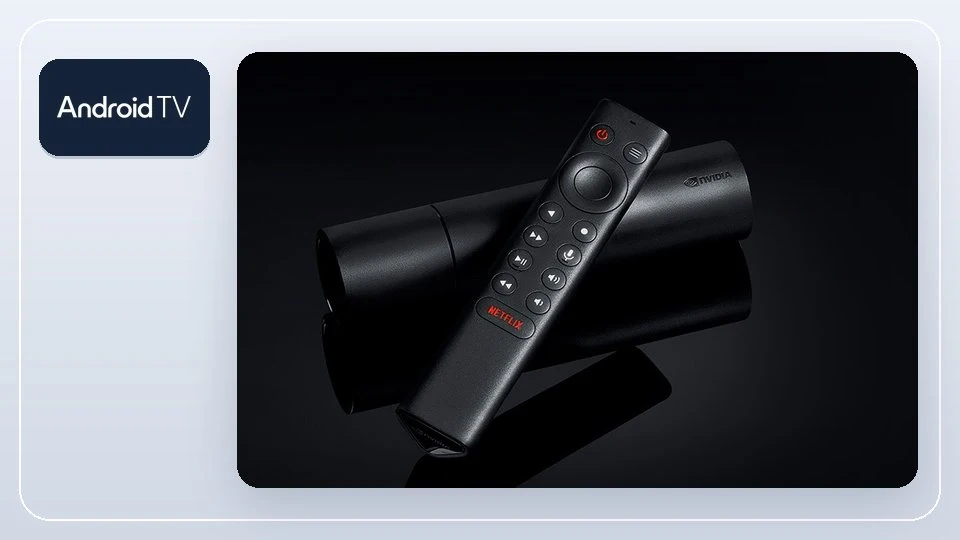
On an Android-based box there can still be a difference between a phone-oriented app and an interface designed for a television remote. A screen that works beautifully with a finger might be frustrating with only directional keys. During the trial, try moving focus from the guide to the search box and back. If the focused item is hard to see or a required control cannot be reached from the remote, tell the seller which player version and device showed the behavior. Buying a longer account term cannot fix that interface limitation.
Fire TV devices introduce another practical question. Several generations may carry similar consumer names. Supply the model shown in the device settings, the system version and available storage if the installer reports insufficient space. A support answer naming a Fire TV family may not address the customer's particular device state. Ask for the supported installation source. If the supplied route no longer points to the identified app, stop and request an updated reference from the seller or publisher. A random mirror with familiar branding can make a simple compatibility question much harder to resolve.
Once the appropriate app is installed, decide what to keep on the private setup record. The publisher, app name, version, date installed and supported account method are useful. Publicly posting the private service address and credentials is unnecessary. If the player visually resembles a screenshot but prompts for another form of account, send support the prompt text and the app identity first. The support person can then say whether the wrong app was installed or the customer received the wrong account instructions.
Samsung Tizen and LG webOS deserve their own check even if the two sets stand on the same shelf at the retailer. Identify each set's model and use its own supported app store to look for the player specified by Trex. The store region and model generation can matter to what the owner sees. If a suggested player is absent, ask for an alternative supported on that specific set or consider an existing external player that the household already knows how to operate.
Many smart-TV players have their own activation steps. A screen showing a device registration or app licence request may belong to the player publisher. It may appear before the Trex account is involved. Ask exactly which party takes each payment, which date the player licence expires and how the purchaser can recover it if the television is replaced. Photograph the exact wording for private support if necessary. Conceal device identifiers and codes in anything shared with other readers.
Test an ordinary cold start. A smart television may return to its launcher or resume the last input according to local settings. The person using it needs to know how to get back to the confirmed app, not merely how to reach it once while the installer is present. Have them open their preferred station and turn captions on. Ask them to leave the app, change inputs and reopen it. Notice whether the selected account, favorite station and subtitle preference persist through that sequence.
Suppose the Samsung set has a workable native option and the LG set would need a separate app licence. That information changes the household calculation. Switching between rooms may still require respecting the seller's active-connection policy. Installing the app twice is a technical possibility, not evidence that two simultaneous sessions are allowed or included. Put the two desired use patterns into the seller enquiry explicitly. “We move one program between rooms” is a different proposition from “two people watch different things every evening.”
The words Apple TV can describe a connected device, an application or a distinct subscription service in ordinary conversation. Trex's compatible-player enquiry needs the device model, the intended App Store application and the desired account method. A subscription to an unrelated streaming platform answers a different question. Likewise, an app that runs on an iPhone may have different controls on the Apple TV box. Confirm the relevant listing for the box, including its publisher and whether the same app purchase covers that device.
A phone used for payment need not be the viewing device. In a family with a shared television the payer might keep the receipt on their phone while the app is installed under a different household account on the box. Ask who can approve future app purchases or restore the player licence. Decide where to keep billing records so one person changing phones does not leave the household unable to identify the app publisher at renewal. Keep the service account and the app-store account distinct in the private record.
Casting adds another layer. The phone might be controlling an app running on the television, sending its display to the television, or initiating a playback session that the receiver handles. Those pathways can behave differently when the phone is locked, a call arrives or the family leaves the room. If casting is essential, ask the seller and app publisher whether the actual combination is supported. Use the trial to reproduce the sequence a real viewer intends to use. Do not infer supported casting merely because both devices show a familiar symbol.
A direct television player, where supported, can make a shared family setup easier. The regular viewer can operate it with the television remote even when the person who owns the phone is away. Conversely, a traveler may value a phone player far more than a permanent TV setup. The choice belongs to the viewing routine. A store card with several platform icons can direct you toward the relevant guides, while the household's own test settles which route is dependable enough for its needs.
Trex's app pages identify more than one Windows entry. Name the actual one when contacting support; two customers saying “the Trex Windows app” may be referring to different software and sign-in screens. Record the version from the program itself rather than relying only on the installer filename. If the program does not open at all, the useful report concerns the operating system, version and launch symptom. A request to renew a service account does little for an executable that never reaches the login stage.
For a computer connected to a television, test the entire evening arrangement. Check whether sound goes to the television or remains on the computer, whether the screen stays awake during playback and whether the regular user can control it from their normal seat. A laptop intended to close its lid on a shelf may behave differently from one left open during setup. Establish the household's ordinary arrangement before judging the viewing service. Changing the chosen audio output is a device task; a missing audio language on one specific program is a different enquiry.
A compatible MAG workflow can involve a portal and operator registration. Ask Trex whether it supports the exact model and the account in question. Treat any identifying device information as private, sharing it only through the operator's proper support route when needed. A portal field on a box is not an invitation to try addresses supplied by unrelated sellers. The correct route must come from the operator issuing the account, together with any registration procedure and conditions for changing the device later.
A household switching from a MAG box to an app-based player should ask about migration before resetting equipment. The original box might use a different activation method, and the seller may need to make a change to the account. Capture the old term, expiry and support reference while the earlier arrangement is still identifiable. An authorized migration should preserve what the seller has agreed to preserve. It is unwise to discover the original account identity only after disposing of the old box.
Trex advertises a 24-hour trial. Ask when it begins, which player to prepare and whether the test account has the connection and lineup characteristics you intend to buy. Schedule the test while the main viewer is available. A one-day trial requested during a work trip can expire before anyone has actually sat down in front of the television. Local clock times with a named zone make the arrangement easier when buyer and seller work in different locations.
Choose a real viewing sequence. Start with the television off. Open the player, select the agreed account and find a specific program. Play it long enough to hear normal dialogue, see captions if required and check the guide against the real local time. Then change to another station, return to favorites and hand the remote to the person who will use it most. On a shared set, a little time watching another person operate the controls often explains more than a long list of successful menu clicks.
Test a second device only if the seller permits that use. It may be more informative to stop the first screen completely and switch deliberately than to start both at once and misread an expected limit as an outage. If simultaneous viewing is a purchase requirement, ask for the exact allowance and an approved way to test that configuration. A trial account with special conditions may tell you about the player while leaving a question about the paid account still open.
Test the household's ordinary evening traffic too. Note whether someone else was using the home connection, whether the box used Wi-Fi or Ethernet and whether other applications on the same device behaved normally during the test. One troublesome station while everything else works points toward a different line of enquiry from a television that cannot keep a connection in any app. Keep observations narrow. The trial establishes what happened in that room on that evening. It does not establish a nationwide uptime rate.
| Term | Published service total | Approximate cost per month | What needs to be paid today at the listed service price |
|---|---|---|---|
| One month | $9.99 | $9.99 | $9.99 |
| Three months | $24.99 | $8.33 | $24.99 |
| Six months | $39.99 | $6.67 | $39.99 |
| Twelve months | $54.99 | $4.58 | $54.99 |
For someone fitting out a temporary home office, the live question may be whether the television will still be in that room in four months. Buying three months and then one more would cost $34.98 if the listed prices hold and the terms can be combined as intended. Six months is $39.99. The $5.01 difference buys the ability to extend the stay two months without another purchase. Ask how early renewals work before treating overlapping terms as contiguous time.
For a household that expects eight months of use, the choice looks different. A six-month term plus two single months would total $59.97. The annual listing is $54.99. It is possible for the twelve-month service to be cheaper than covering only eight months with those particular shorter terms. The calculation assumes a stable price, comparable account conditions and no separately charged player or screen. It is a way to test the budget, not a promise of any future renewal rate.
A first-time customer facing a device question might choose a month despite a probable year of future use. The maximum service money committed while learning the setup is then $9.99. That can be entirely reasonable when the alternative is paying $54.99 before the regular viewer has even tried the remote. Conversely, once the actual equipment, viewing location and essential programs have been confirmed, a household can evaluate the annual price without pretending that one-day tests prove how every future evening will go.
Keep one written answer on the final account method, approved screens and exact term next to the receipt. Ask who handles a billing correction and whether the seller manages renewals manually or by another arrangement. If a distance relative paid for the service, ensure they know when to look at the next charge. An app purchase, a service renewal and the expiry of any household internet promotion can all carry different dates. Put each on the relevant person's calendar with its own merchant and amount.
A guide mistake is one of the easiest problems to describe badly. First write the local day and time, time zone, station or program and what the player actually shows. Look at the station's own published schedule where available. If the stream shows the right program while its guide entry is wrong, the problem differs from a correctly labeled program playing on the wrong regional feed. Both may look like “the guide is wrong” to the viewer, but the seller needs to know which part failed.
Before changing the app's time adjustment, check a second station. A global one-hour shift across multiple entries suggests a different issue from a single station whose grid was mapped incorrectly. Check the operating system clock first, then whether the player has a separate guide adjustment. Changing both at once can create a second error. Take a private note of the original settings so you can restore them if the change makes another part of the guide worse.
Time-zone issues are particularly noticeable when the household watches a station from another market or a program that crosses midnight. A title may appear under the following day when read in the station's local zone. Always describe both the viewing location's zone and the schedule you used as the comparison. “Tuesday evening where I watch” and “Wednesday in the source guide” can both be accurate at the same moment. A support message that names the clocks avoids a lengthy exchange about the date alone.
Catch-up adds a further question. A visible guide entry for a past program does not establish that replay is available, within rights, on the relevant account or for the whole duration. Pick one program the seller identifies as eligible and see whether the player offers the appropriate action. If a viewer intends to watch a particular event later, ask about that event and feed. Terms relating to a different channel or a promotional graphic of a sports competition cannot establish that the requested replay exists.
The published Trex packs consist of 60 credits for $111, 120 for $214.80, 300 for $507 and 600 for $954. The standard model uses one credit for one customer-month. At the smallest pack rate of $1.85 per credit, a twelve-month activation consumes $22.20 of purchased inventory. That number is neither the public household annual price nor the amount required to buy into the pack. The 60-credit pack requires $111 of cash up front.
| Standard pack | Rate per credit | Five annual customers would consume | Credits left after those five |
|---|---|---|---|
| 60 | $1.85 | 60 credits, allocating $111.00 | 0 |
| 120 | $1.79 | 60 credits, allocating $107.40 | 60 |
| 300 | $1.69 | 60 credits, allocating $101.40 | 240 |
| 600 | $1.59 | 60 credits, allocating $95.40 | 540 |
This table fixes the same five annual customers in every row so the trade-off is visible. Buying the 600-credit lot reduces the cost allocated to those first five customers by $15.60 compared with the smallest pack. The larger pack requires $843 more cash and leaves 540 credits for future demand. A reseller with a reliable order book may use that stock. Someone considering a first group of five customers needs a reason to buy beyond their confirmed orders.
Device-related support changes the trade calculation. Five annual customers on the same familiar hardware may require a different amount of staff work from five homes spread across Tizen, webOS, Windows, MAG and Fire TV. Include a realistic onboarding allowance in your own operating budget and distinguish it from the operator's credit charge. Keep a list of exact supported combinations and the person responsible for each handover. The panel can deduct credits accurately while the retailer still loses track of a customer's app licence or renewal contact.
Trex has separate reseller, wholesale and distributor enquiry routes. Ask the operator about eligibility, territory, panel permissions, customer support escalation and any applicable charges in the proposed arrangement. A consumer subscription price tells a retailer little about whether it may supply another business or what responsibilities come with that appointment. Write down the actual allowed activity before supplying an account to a third party. Trade terms should identify who can issue, renew and correct a line when the person with the television calls.
Before leaving a household, hand the remote back and ask the regular viewer to complete a small routine by themselves. Turn the set on, pick the correct HDMI input or native app, find a favorite station, change volume, enable the required captions and return to the normal TV launcher. If they hesitate, record the screen and the instruction that helped. The part a technician thinks is obvious is often the part that generates the follow-up visit.
Leave two different records. The viewer's note can be short enough to fit beside the remote. It may say which remote operates the app, which input brings up the external box and which menu reopens favorites. The purchaser's private record is where the payment reference, app licence, permitted device change, seller contact and term belong. Do not write credentials on a card beside a publicly accessible television. The people who use the room and the people entitled to administer the account may be different.
Give the household a way to report a problem that does not require technical vocabulary. Ask them to say whether the television was able to show its home screen, whether the Trex-supported player opened, whether the guide appeared and whether one or many programs failed. Four yes-or-no observations identify the stage of a fault far more effectively than an instruction to describe “the stream.” Add the exact time and a private order reference only when contacting the responsible seller.
If a relative handles support from another home, agree with the account holder how information will be shared. A photo of the model and error message can help. Crop codes, QR links and login information before sending or posting. Determine who can authorize reinstalling an app or reassigning a device. Someone helping with a remote may be the right person to describe the symptom without being the person authorized to purchase another year. A clear handover protects both the viewer and the bill payer.
A household moving from one apartment to another may keep the same television, replace the internet connection and switch the room in which it watches. The seller needs to confirm permitted use at the new viewing location. The device setup also needs a little planning. Record the current working path while it is still available and identify the equipment moving with the family. If the old apartment owner supplied the external box, the family may actually need a new player host even though their own television is going with them.
Pack remotes, power supplies and small network adapters with the device they operate. Label the old and intended inputs in words that the viewer recognizes. A television working on HDMI 3 in the old room could easily be plugged into HDMI 1 in the new room. A message reading “we moved and the subscription disappeared” may amount to nothing more than an input change. When the power is restored, confirm the device can reach its own home menu and a known working application before changing the Trex account.
If the family is moving to a different time zone, revisit the guide clock before claiming the station schedule changed. If they are moving to a different U.S. market, ask the seller about the particular local station or authorized feed the household expects at the new address. A previous trial ran in the original location. It is a genuine historical observation and can be useful, but it cannot settle a different market's current availability or rights.
For a pending renewal, put the move date, existing expiry and unresolved compatibility question side by side. If the existing paid period runs through the move, the buyer may be able to test the new room before committing to a longer term. If it ends just before the move, a shorter renewal may buy the family time to evaluate the new address. The small extra cost of flexibility can be the right decision when a major part of the setup is about to change.
Imagine the household has chosen the existing Fire TV box by the television. For most of the afternoon it looks fine. At half past eight the viewer reports three freezes during one program. Start with an observation small enough to reproduce. Which title was playing, on which feed, at what local time? Did the audio continue while the image held? Did the whole player stop responding to the remote, or could the viewer return immediately to a guide that still worked? These details describe different failures and help the next person avoid a long list of irrelevant changes.
If the household has an approved second station in the same account, switch to it briefly and return. Inspect what another ordinary application on the same box can do around the same time. Use the same screen and connection for those checks. Running a speed test on a phone across the room may suggest that the household has internet access, but it does not reproduce the box's route or the original program. The interesting comparison keeps as much of the setup constant as possible while changing one observable item.
The customer may reasonably care much more about the evening hour than about an impressive result at lunchtime. Use the trial to check the actual viewing period if the seller can activate it at an appropriate time. Write down what else the home was doing then, including whether someone was making a video call or moving a large file. Those observations can guide an ordinary network or placement check. They do not, on their own, establish that the subscription seller, household internet provider or equipment vendor caused a particular interruption.
Suppose the household can test with the same box nearer its router or by temporarily using an available wired connection. Ask the owner before rearranging the room and change only one factor. Repeat the original viewing task and note what changes. A successful alternative helps narrow where the problem arises. A one-time second success can also occur because a source recovered between tests. Keep the original time and the retest time together rather than presenting them as a permanent verdict.
Use the order's support route if the findings point to a particular feed or account. Give the support person a short sequence they can recognize and enough private account information to locate the customer. If the answer involves changing players, ask whether the new app introduces a separate licence fee and whether account access needs reissuing. A technical suggestion that costs money should be evaluated as part of the purchase decision. The customer may reasonably prefer a supported route on equipment already in the house.
End with the practical question. Is the evening setup reliable enough for this family to pay for the chosen term, or is there still one decisive issue to resolve? The buyer need not settle the underlying engineering question to make a sensible budget decision. If watching the local bulletin after work is the only purpose of the account and that requirement remains unverified, a good list of supported platforms is not yet an answer. If the trial met the household's ordinary routine and support clarified the account limits, the family has a specific reason to consider continuing.
| What should be written down | Why someone will need it later |
|---|---|
| Television model and connected device actually running the player | Identifies the correct app platform and setup guide |
| App name, publisher and version | Makes installation and support instructions reproducible |
| Account method assigned by the issuer | Distinguishes portal, playlist, activation and sign-in prompts |
| Exact intended screen allowance | Lets the household distinguish an account limit from a fault |
| Chosen term, full total, separate app fee and expiry | Gives the payer usable renewal information |
| One required program and its trial result | Records why the household selected this setup |
| Person authorized to approve changes, signature and date | Keeps later support and spending with the right person |
A family can complete this decision without measuring every channel or trying every platform in the store. It needs the correct app on the actual device, the proper account route, permission for the intended screens and a term it can use. The Trex guides give the household several ways to reach that point. The best one is often the route the regular viewer can repeat on their own after the installer packs away the second remote.
A final useful check costs the installer an extra minute. Ask the person holding the receipt to explain the setup to the regular viewer without using the words server or platform. They might say, “Turn the television to the input marked TV box, open the named app and choose Favorites.” If neither person can describe the route simply, simplify the chosen setup or rewrite the operating note. Technical compatibility does not guarantee that a tired person will remember a six-step sequence at the end of a shift.
Before leaving, confirm where a future helper should find the software name and order reference. A backup contact may be able to solve an input selection issue immediately while needing the purchaser to approve any new term or app licence. Clear instructions about both roles reduce the chance that an ordinary setup question becomes a duplicate payment. The test is finished when the television works for the person who will actually use it and the payer knows which purchase keeps it working.
Suppose you expect to watch for six months. At the listed single-month amount, six separate purchases would total $59.94 USD. The six-month offer asks for $39.99 USD up front. That comparison assumes every new month is available at the listed amount. Check renewal separately before relying on it.
| Viewing period | Separate monthly purchases | Single matching term | Difference | Monthly purchases to reach term price |
|---|---|---|---|---|
| 3 months | $29.97 USD | $24.99 USD | $4.98 USD | 3 |
| 6 months | $59.94 USD | $39.99 USD | $19.95 USD | 5 |
| 12 months | $119.88 USD | $54.99 USD | $64.89 USD | 6 |
Read the final column as a spending threshold. If you expect to cancel sooner, compare the shorter commitment with the cash you would have paid up front. The figures exclude fees the seller has not confirmed.
Check Trex IPTV subscription termsThe smallest priced pack in this register holds 60 credits and costs $111.00 USD. The largest holds 600 for $954.00 USD. Their displayed unit costs are $1.85 and $1.59 respectively. The published deduction for a standard twelve-month customer is 12 credits. Check the operator’s treatment of additional screens and renewals.
The image link identifies the exact file served by the provider.


Choose a matchup to see the actual currency, term and outcome.
Open the caption on a website-sourced image to see its original. The remaining captions identify material supplied with the provider archive.