

US-focused multi-brand store · Check the plan and your device before ordering · Trial checklist
Skip to contentIPTVs.us home

IPTV setup checklist for United Arab Emirates

Compare local connection, player availability, time zone and language checks before using IPTV in United Arab Emirates.

Television showing a sample programme guide in a US living room
Illustrative US home streaming photo; content availability varies.
United Arab Emirates: Verify connectivity, local rules and service availability before purchase.

Test where you watch

A test on a different country’s connection may not show the same latency, ISP routing, app store selection or available categories. Verify connectivity, local rules and service availability before purchase. Record the device, player and network so a supplier can answer a specific question.

Check language and time zone

Confirm the programme guide uses the local time zone. If you need a particular language or subtitle track, test that item in the player rather than relying on a logo or category name.

Confirm terms before payment

Ask for the full price in the currency you will actually pay, the permitted connection count and service or content availability for United Arab Emirates. Local rules and rights must be checked with the supplier; a marketing picture is not evidence of licensing.
Useful next pages

Related cards

Explore more cards

Country reference

Use the named source to check your viewing location.

country

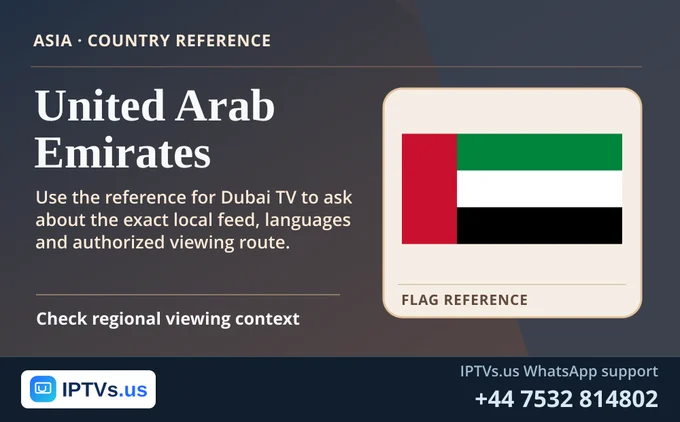
United Arab Emirates

Use the reference for Dubai TV to ask about the exact local feed, languages and authorized viewing route.

The station database lists Cartoon Network Arabic under United Arab Emirates, with the Arabic SD feed. Check the broadcaster’s own schedule and local terms. Broadcaster website

Open the United Arab Emirates provider reference