
support
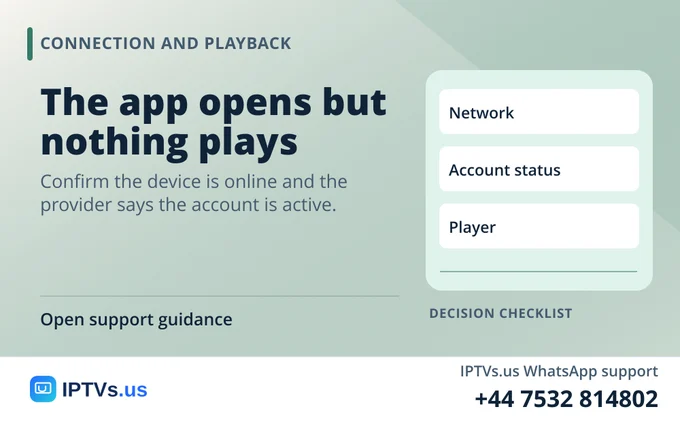
The app opens but nothing plays
Confirm the device is online and the provider says the account is active.
Network · Account status · Player
Open support guidanceStart with the smallest repeatable symptom and collect only the details needed for a support request. This selection includes The app opens but nothing plays, Stalls at the busy hour, Playback stops after a few minutes.
Start with the smallest repeatable symptom and collect only the details needed for a support request.
Confirm the device is online and the provider says the account is active.
Network · Account status · Player
Open support guidance
Retest the same feed earlier and compare the exact timestamps for support.
Peak time · Quiet time · Feed
Open support guidance
Record the position and test another channel before adjusting the whole network.
Time to stop · Channel · Second test
Open support guidance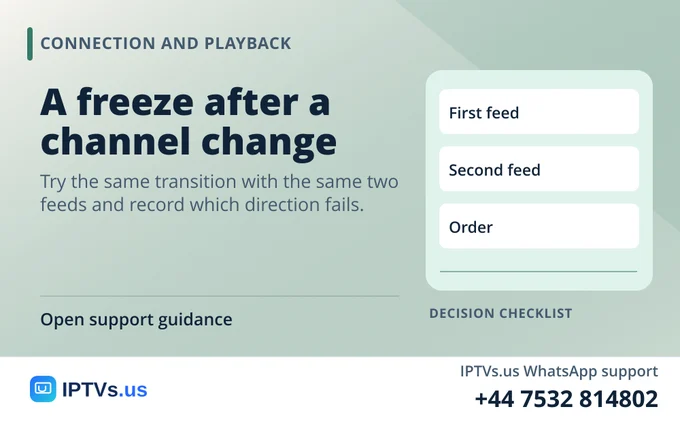
Try the same transition with the same two feeds and record which direction fails.
First feed · Second feed · Order
Open support guidance
Record what the player reports and compare the same motion scene on another screen.
Player indicator · Scene · Second screen
Open support guidance
Confirm the device network and restore a known-working connection before resetting the app.
Device network · Known route · Retest
Open support guidance
Ask support whether the account has one simultaneous connection and how to release it.
Screen A · Screen B · Allowed
Open support guidance
Compare the same feed on two allowed networks while keeping the player and account consistent.
Network A · Network B · Same feed
Open support guidanceEach group has a permanent link and can be read with JavaScript disabled.